How to Use SearchCarX Like a Pro: Tips for Faster, Smarter Vehicle Searches
What is SearchCarX and How Does It Work?
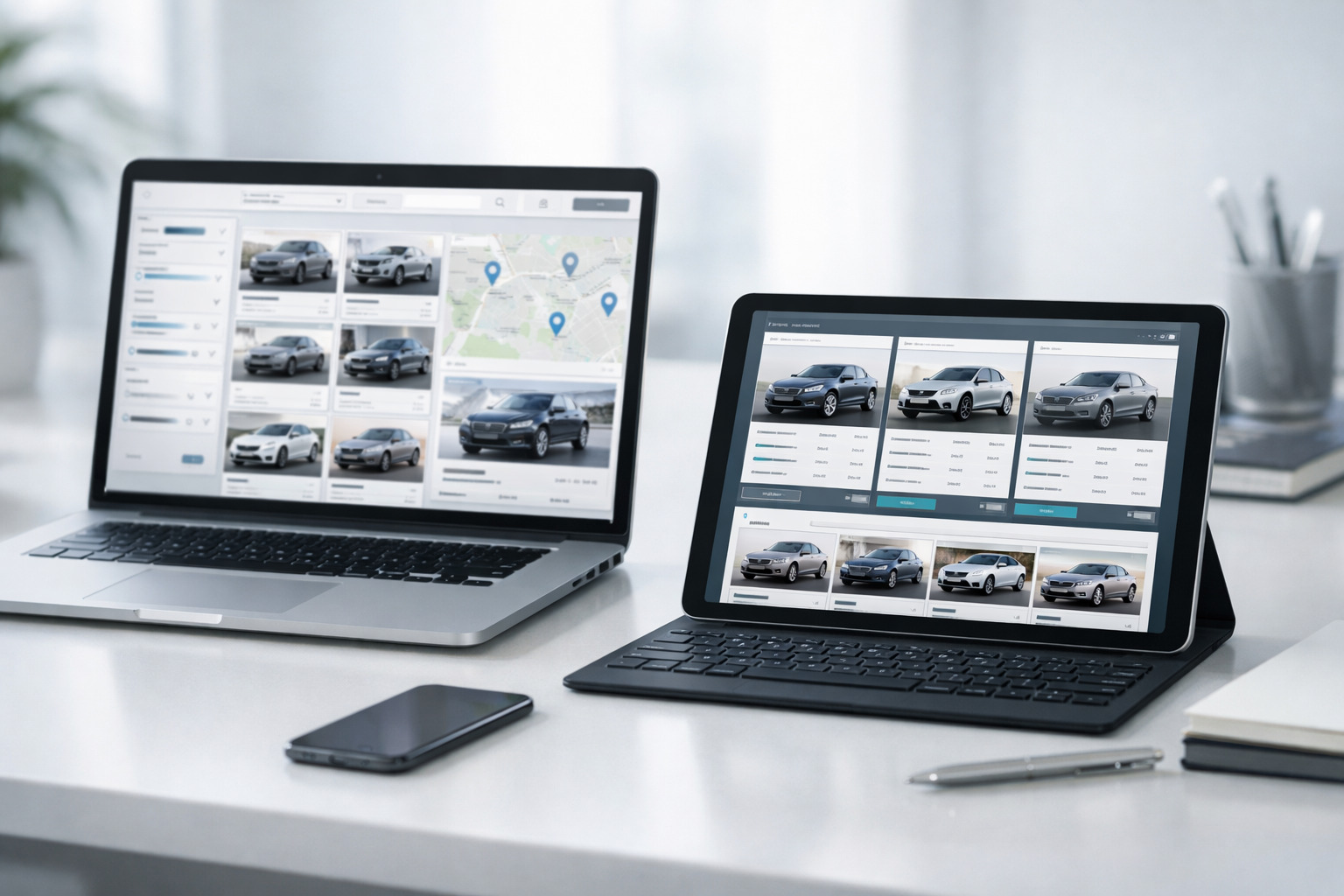
SearchCarX is an AI-powered car search platform that helps buyers find vehicles with precision, speed, and transparency. It combines real-time vehicle listings, advanced filtering, and a VIN-specific matching engine to simplify the car-buying journey.
Key Features of SearchCarX:
AI-Powered Vehicle Matching: Uses a car search algorithm to match listings based on user preferences.
VIN Tool Integration: Decodes VINs to verify vehicle details and detect inconsistencies.
Smart Filters: Enables multi-layer search customization by price, trim, mileage, fuel type, and more.
Real-Time Listings: Updates inventory from private sellers and dealers across the U.S.
User-Friendly Design: Intuitive UX makes navigation easy on desktop and mobile.
Quick Platform Overview:
Feature | Function |
VIN Decoder Tool | Validates vehicle identity and specs using VINs |
Search Filters | Narrow results by budget, mileage, make, fuel type, and body style |
Listing Engine | Aggregates data from dealers, auctions, and private sellers |
Mobile Optimization | Enables browsing, saving, and alerts on smartphones |
Real-Time Updates | Refreshes inventory and price every hour |
SearchCarX has grown a strong user base since launch, appealing to tech-savvy buyers and auto enthusiasts. Its architecture uses a flexible tech stack based on cloud infrastructure, machine learning, and REST APIs to deliver seamless cross-device experience.
Next: Let’s see how SearchCarX compares to other major car-buying platforms.
How SearchCarX Compares to Other Car Buying Tools
SearchCarX competes with CarGurus, Edmunds, AutoTrader, and TrueCar by offering superior match accuracy, intuitive tools, and real-time inventory.
Comparison Table: SearchCarX vs Competitors
Feature | SearchCarX | Edmunds | CarGurus | AutoTrader | TrueCar |
AI-Powered Filters | ✅ | ❌ | ✅ | ❌ | ❌ |
Price Trend Visualization | ✅ | ✅ | ❌ | ❌ | ❌ |
VIN Verification Tool | ✅ | ❌ | ✅ | ❌ | ❌ |
Dealer & Private Listings | ✅ | ✅ | ✅ | ✅ | ✅ |
UI/UX Speed & Usability | Fast & modern | Slower | Average | Average | Basic |
Key Differentiators:
Pricing Transparency: SearchCarX visualizes price trends and daily changes, unlike most platforms.
AI Search Accuracy: Higher match precision based on lifestyle filters and vehicle history.
Inventory Depth: Pulls listings from more sources, including independent sellers and smaller dealers.
User Interface: Faster response time and simplified controls compared to cluttered interfaces on others.
Next: Let’s explore the advanced tools in SearchCarX you might not be using yet.
Advanced Features of SearchCarX You Should Use
SearchCarX includes smart tools that go beyond basic searches, helping users personalize their experience, track price changes, and find better deals.
Must-Use SearchCarX Features:
Advanced Search Filters
Sort by trim level, drivetrain, year range, certified pre-owned status.
Add budget ceiling and mileage range.
Saved Searches & Alerts
Save your favorite searches and receive price drop alerts.
Alerts include certified deal badges and real-time price shifts.
VIN Scan Tool
Upload or input VIN to verify a vehicle's identity and see its listing history.
Financing & Budget Estimator
Set monthly payment limits, and SearchCarX will display suitable cars within budget.
Financing terms are adjustable per vehicle listing.
Dealer Rating and Seller History
Each listing includes seller ratings and transaction reliability indicators.
Mobile App Features
Save listings, chat with sellers, get notified instantly on saved vehicles.
Example: You can filter by “Toyota RAV4 Hybrid 2020+, < 60,000 miles, under $28,000,” and receive updates if the price drops or if a new listing appears.
Next: Learn how to use these tools to find the best possible deals.
Tips to Find the Best Deals on SearchCarX
SearchCarX offers tools that can uncover undervalued listings, price trends, and negotiation leverage.
Actionable Ways to Save:
Set Daily Price Alerts
Use the daily price tracker to see vehicles with decreasing price trends.
Example: A $300 drop overnight can signal a motivated seller.
Compare Across Time & Distance
Use the distance slider to expand search radius; pricing often drops in outer suburbs.
Monitor time-based trends — Monday mornings and end-of-month listings often show better deals.
Use the Certified Deal Badge
These listings are algorithmically tagged as below market average.
Filters can display only certified deal listings.
Target Private Seller Listings
Private sellers are 8–12% cheaper on average than dealers (source: Kelley Blue Book, 2023).
Negotiate with Data
Reference SearchCarX's price trend graph and listing history when making offers.
Next: You’ll want to avoid common scams or red flags while searching.
How to Spot Scams or Red Flags on SearchCarX
Scam listings exist across car platforms — SearchCarX includes tools to help identify and avoid them.
Common Scam Indicators:
Red Flag | What It Means |
Inconsistent VIN Info | VIN doesn’t match photos or vehicle specs. |
Too-Good-to-Be-True Price | Pricing 30–50% below market average = scam risk. |
Unverified Seller | No verified email, poor ratings, vague descriptions. |
Stock Photos Only | Real listings show multiple photos with license plates. |
Request for Payment Outside the Platform | Never wire money or use gift cards. |
Safety Tools in SearchCarX:
Report Button: One-click flagging of suspicious listings.
Contact Verification: Ensures seller email and phone are confirmed.
VIN Match System: Highlights inconsistencies or red flags in car history.
Buyer Protection Tips: Built-in popups during the negotiation process.
Example: A seller using a Gmail address with no dealer history and asking for a deposit over WhatsApp should be avoided.
Next: See how SearchCarX adapts to different buyer types.
SearchCarX for Different Types of Buyers
SearchCarX provides tailored features for first-time buyers, families, students, and auto enthusiasts.
Buyer Types and Matching Features:
Buyer Type | Best SearchCarX Tools Used |
First-Time Buyers | Budget estimator, vehicle reliability filters, insurance integration |
Families | 5+ seat filter, rear safety features, cargo space specs |
Budget Shoppers | Certified pre-owned filter, private seller filter, price alerts |
Students | Age range filter, fuel efficiency data, under $10K filter |
Car Enthusiasts | Trim comparison, performance filters, sports car category |
Lifestyle Filters Help:
Filter by eco-friendly cars like hybrids and EVs.
Choose family vehicles by segment: SUV, minivan, or crossover.
Compare luxury models side by side with depreciation stats.
Example: A student can filter for "under $8,000, MPG > 30, Sedan, < 100K miles,” and get real-time alerts on new listings.
Next: Get answers to the most common questions about using SearchCarX.
FAQs About Using SearchCarX
How do I create an account?
Visit the homepage and click “Sign Up.” Use secure login options like Google or Apple ID.
Can I save my searches?
Yes. Use the "Save Search" button and toggle alerts to receive notifications.
Is my personal data safe?
SearchCarX complies with U.S. data privacy standards. Your info isn’t sold to third parties.
How do I contact sellers?
Click “Contact Seller” in the listing. Use in-app chat or verified email depending on seller preferences.
What happens if a listing turns out to be fake?
Use the “Report” button. Moderators review flagged listings within 24 hours.
Does SearchCarX charge buyers?
No. SearchCarX is free for buyers. Dealers may pay for premium listings.
Can I use SearchCarX on mobile?
Yes. The platform is optimized for mobile browsers, with an app under development.
Recent Posts
Understanding Vehicle History Reports & Why They Matter
What Are Vehicle History Reports?A vehicle history report is a comprehensive document that tracks a...
Read More
Top 10 Most Reliable Used Cars to Buy in 2026
Why does car reliability matter in 2026 used car purchases?Reliability directly reduces long-term co...
Read More
Why Online Car Tools Are Better Than Traditional Dealership Searches
What Are Online Car Tools in 2026?Online car tools are digital platforms or applications that allow...
Read More
Tips for Getting Approved for a Car Loan with Bad Credit
What Happens When You Apply for a Car Loan with Bad Credit?Bad credit doesn’t mean you can’t get a c...
Read More
How to Budget for a Car: Total Cost of Ownership Explained
Why Budgeting for a Car Goes Beyond the Sticker PriceTotal Cost of Ownership (TCO) defines the real...
Read More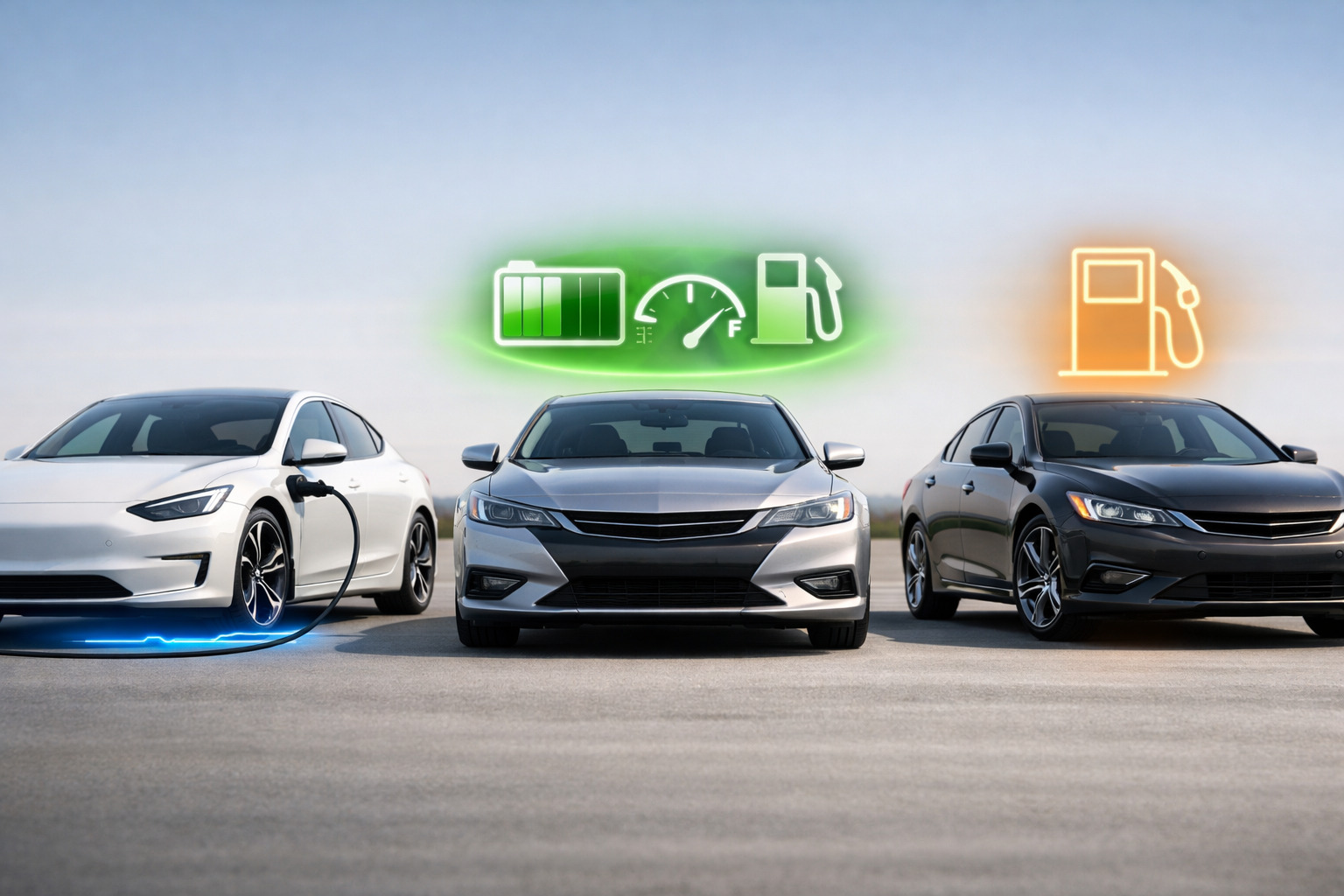
Electric vs. Hybrid vs. Gas-Powered Cars: Pros, Cons, and What to Choose
What are the main differences between electric, hybrid, and gas-powered cars in 2026? Electric vehic...
Read More
Cash vs. Financing vs. Leasing: Which Is Right for You?
In 2026, car buyers face more options—and more financial complexity—than ever before. Whether you're...
Read More
Top Features to Look for in a Safe Car in 2026
A safe car in 2026 combines smart tech with crash-tested design. Vehicle safety has shifted from jus...
Read More
Top Mistakes to Avoid When Buying a Car Online
Online car buying in 2026 is easier, faster, and more popular than ever. Digital dealerships, auto m...
Read More